Cato VPN: What It Is, How It Works, and How to Connect
Learn how Cato VPN provides secure business access, how it differs from a traditional VPN, and what to check before connecting.
Cato VPN is a way for an organization to give its users secure access to company resources through Cato Networks’ platform. It is not typically a consumer service for changing your apparent location or browsing anonymously. Depending on the company’s setup, users may connect with the Cato Client or use a browser extension to reach private web applications.
Editor's pick: NordVPN — fast, secure VPN — Strong encryption, a no-logs policy and apps for every device. 30-day money-back guarantee. Get NordVPN →
Cato VPN terminology at a glance
| Term | What it refers to | Typical user | Main purpose |
|---|---|---|---|
| Cato VPN | Informal name for Cato’s remote-access service | Employees and contractors | Connect to company resources |
| Cato Networks | Enterprise networking and security provider | Organizations | Deliver managed network and security services |
| Cato client | Software used to connect to Cato’s service | Remote users | Authenticate and establish a connection |
| Remote access | Access to an organization’s network from elsewhere | Off-site staff | Reach approved work resources |
| Corporate network | An organization’s private network and services | Employees and administrators | Host internal tools and data |
| Traditional VPN | A general category of encrypted network connection | Individuals or organizations | Protect traffic or access a private network |
Compiled November 2026; check the provider's site for current details.
| VPN | Obfuscation | From / month | Plan | Free plan | Refund | Alipay | UnionPay | Crypto | Website opens in China | Trustpilot | |
|---|---|---|---|---|---|---|---|---|---|---|---|
 ZoogVPN | Turn on manually Shadow | $2.49/mo | 27 months: $59.99 | Yes | 7 days | ✓ | ✓ | ✓ | ✓ | Official site blocked; our special link opens (4.4 s) | 4.2/5 (195 reviews) |
 NordVPN | Turn on manually Obfuscated Servers / NordWhisper | $3.49/mo | 27 months: $94.23 | No | 30 days | ? | ✗ | ✓ | ✓ | ✗ Blocked | 4.2/5 (51,628 reviews) |
 ExpressVPN | ✓ On by default all servers | $3.00/mo | 28 months: $84 | No | 30 days | ✗ | ✗ | ✓ | ✗ | ✗ Blocked | 4.4/5 (29,706 reviews) |
 Surfshark | ✓ On by default Camouflage, with OpenVPN | See site | See site | No | 30 days | ✗ | ✗ | ✗ | ✓ | ✗ Blocked | 4.3/5 (31,823 reviews) |
 Proton VPN | Turn on manually Stealth, free plan too | $2.99/mo | 12 months: $35.88 | Yes | 30 days | ✗ | ✗ | ✗ | ✓ | ✗ Blocked | 2.1/5 (1,040 reviews) |
 Astrill VPN | Turn on manually StealthVPN / OpenWeb | $12.50/mo | 24 months: $300 | No | See site | ✗ | ✗ | ✗ | ✓ | ✗ Blocked | 1.3/5 (110 reviews) |
 Private Internet Access | Turn on manually Shadowsocks, OpenVPN only | $2.03/mo | 40 months: $81.2 | No | 30 days | ✗ | ✗ | ✗ | ✗ | ✗ Blocked | 4.2/5 (11,033 reviews) |
 CyberGhost | Turn on manually selected servers | $2.19/mo | 28 months: $61.32 | No | 45 days | ✗ | ✗ | ✗ | ✓ | ✗ Blocked | 4.0/5 (24,178 reviews) |
 PureVPN | Turn on manually switch to OpenVPN | $1.69/mo | 60 months: $101.55 | No | 31 days | ? | ? | ✗ | ✓ | ✗ Blocked | 4.4/5 (17,994 reviews) |
 AdGuard VPN | ✓ On by default TrustTunnel | $2.99/mo | 24 months: $71.76 | Yes | 30 days | ✓ | ✗ | ✓ | ✓ | Official site blocked; our special link opens (3.7 s) | 4.3/5 (290 reviews) |
 Mullvad | Turn on manually QUIC / Shadowsocks / LWO | $5.61/mo | €5/mo | No | 14 days | ✗ | ✗ | ✗ | ✓ | ✗ Blocked | 3.2/5 (192 reviews) |
 Windscribe | Turn on manually Stealth / WStunnel | $5.75/mo | 12 months: $69 | Yes | See site | ✗ | ✗ | ✗ | ✓ | ✗ Blocked | 4.7/5 (13,355 reviews) |
 StrongVPN | Turn on manually Scramble, OpenVPN TCP | See site | See site | No | 30 days | ✓ | ✗ | ✗ | ✗ | ✗ Blocked | 4.4/5 (2,695 reviews) |
 LightXtreme 闪连 | Not listed | $7.08/mo | 12 months: $84.99 | Yes | 30 days | ✓ | ✓ | ✓ | ✓ | ✓ Yes (3.5 s) | No page |
Prices checked 2026-11-10 on each vendor's pricing page (cheapest long plan, USD). Check the vendor's checkout for the final price.
Obfuscation checked 2026-11-14 on each vendor's site and help center: "on by default" = nothing to set; "turn on manually" = switch protocol or mode in settings; "not listed" = the vendor describes no obfuscation.
Payment methods checked 2026-11-10 on each vendor's payment pages: all 14 take cards and PayPal; ✗ = not listed, ? = the vendor's own pages disagree.
China access: whether the official website opens from mainland China networks (tests the website only, not the VPN connection). Last checked 2026-11-18 01:02 Beijing time.
Trustpilot score and review count checked 2026-11-10.
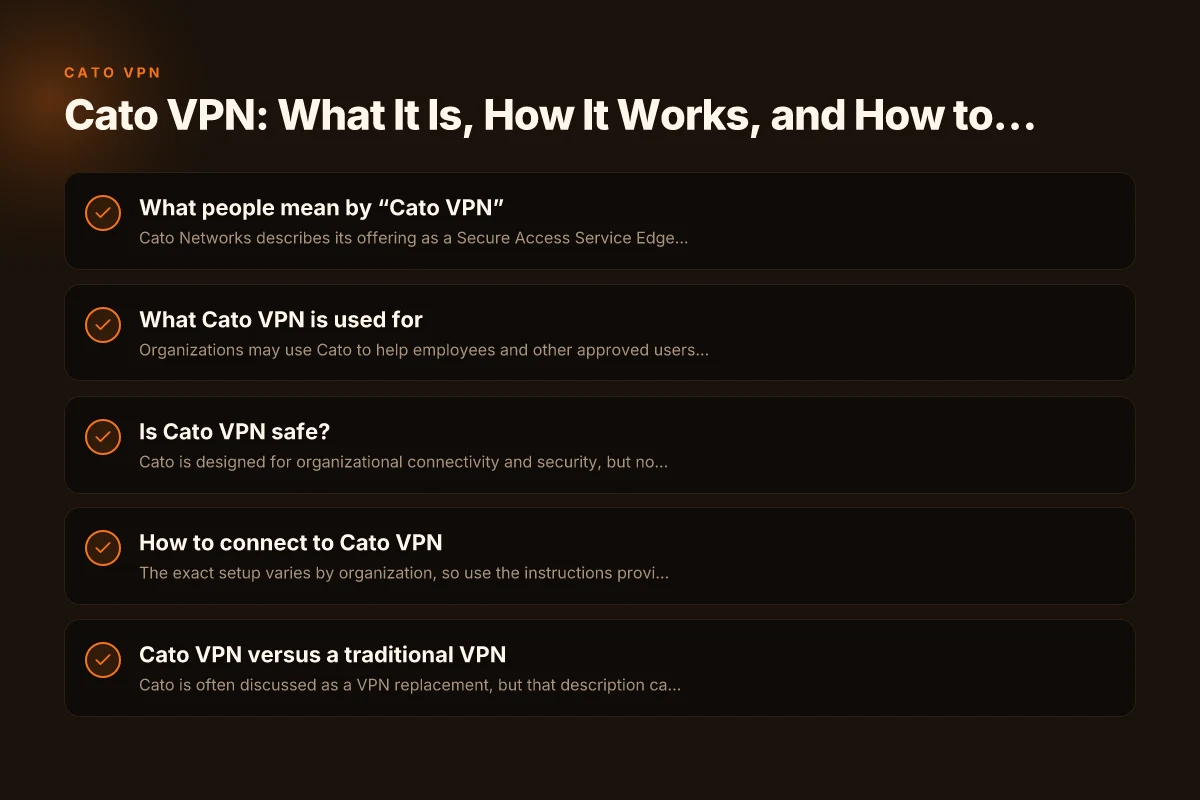
What people mean by “Cato VPN”
Cato Networks describes its offering as a Secure Access Service Edge (SASE) platform. Rather than providing only a conventional VPN tunnel, the platform combines network connectivity and security capabilities. The Cato Client is a lightweight agent designed to provide zero-trust access to resources, including the internet, SaaS applications, cloud environments, and private company systems.
“Cato VPN” is therefore often shorthand for the secure remote-access connection an employer or other organization provides using Cato. The exact experience depends on how that organization has configured its network, identity controls, and application access.
A traditional VPN commonly places a remote device on a protected network through an encrypted connection. A zero-trust approach instead evaluates access to specific resources according to the organization’s policies. It can reduce the need to give every connected device broad network access, though the practical difference depends on the deployment.
What Cato VPN is used for
Organizations may use Cato to help employees and other approved users reach work resources when they are away from the office. Those resources can include: Free VPN for Edge: How to Choose and Use One Safely
- Private applications hosted in a company data center
- Cloud-based systems and services
- SaaS applications
- Internet access managed under company security policies
The Cato Client is the main software option described by Cato for secure access across these environments. Cato also offers a lightweight browser extension for zero-trust access to private web applications. That extension is intended for browser-based access and is not necessarily a substitute for the client in every organization.
| Option | Typical purpose | What to keep in mind |
|---|---|---|
| Cato Client | Secure access to a range of company resources | Your organization determines which resources and policies apply |
| Cato browser extension | Zero-trust access to private web apps through a browser | It is intended for supported web-app access, not necessarily every network need |
| Consumer VPN | Personal privacy or routing traffic through a chosen service | This is a different type of service and use case |
Cato VPN versus a traditional VPN
| Comparison point | Cato VPN | Traditional VPN |
|---|---|---|
| Primary audience | Organizations and their users | Individuals or organizations |
| Main use | Access company resources through Cato | Protect traffic or access a private network |
| Service provider | Cato Networks | Varies by product |
| Account setup | Usually provided by an organization | Often created by the user |
| Connection method | Cato client and organization sign-in | Depends on the VPN service |
| Access permissions | Set by the organization | Depends on the service and configuration |
| Intended network | Organization’s Cato-connected environment | A VPN server or private network |
| Best fit | Company-managed remote access | Personal privacy or other VPN needs |
Compiled November 2026; check the provider's site for current details.
Is Cato VPN safe?
Cato is designed for organizational connectivity and security, but no product can guarantee that every device, account, or deployment is secure. Protection depends on factors such as configuration, identity controls, device security, and the organization’s access policies. How to Add or Change a VPN Connection in Windows 11
When you use a company-managed Cato connection, follow your employer’s security requirements. These may include using multifactor authentication, keeping the client updated, and connecting only from an approved device. If a connection request, sign-in screen, or installation prompt seems unexpected, verify it with your IT team before proceeding.
It is also important to understand that a work VPN or secure-access client is not automatically a personal privacy tool. Your organization may manage or monitor traffic and access in accordance with its policies. Review the organization’s guidance if you need to know what information is collected or how work traffic is handled.
How to connect to Cato VPN
The exact setup varies by organization, so use the instructions provided by your IT administrator. In general, the process is:
- Get the official setup instructions. Ask your organization which product you need, such as the Cato Client or the browser extension, and where to obtain it.
- Install the approved software. Use the download location or app-store listing specified by your organization. Avoid unofficial installers.
- Sign in with your work account. Follow your company’s authentication steps, including any multifactor verification.
- Connect and test access. Confirm that the resources you need are available, such as a company application or internal site.
- Contact IT if something fails. Your account may need authorization, or the device and client may require additional configuration.
If you already have the client installed but cannot connect, check that your internet connection works, confirm you are using the correct company account, and note any error message. Do not share passwords or authentication codes with anyone offering to troubleshoot informally. Edge VPN: What It Is, How It Works, and Which Option to Choose
Cato VPN versus a traditional VPN
Cato is often discussed as a VPN replacement, but that description can oversimplify the difference. Cato’s SASE approach aims to deliver secure, optimized access through a unified platform, while conventional VPN products usually focus on creating a protected connection into a network. The right choice depends on the organization’s requirements and how the service is configured.
For employees, the most visible difference may be that access is controlled around particular applications or resources rather than simply connecting to an office network. Some users may still experience a familiar client-based connection. Others may access private web applications through a browser extension.
Neither approach is automatically best for every organization. IT teams typically assess application needs, existing infrastructure, security policies, device management, and the experience they want for remote users.
Is Cato Networks Israeli?
Cato Networks is a company, not a VPN protocol or a consumer VPN brand. Search results may raise questions about its country of origin, but the information available here does not establish its corporate nationality. For a definitive answer, check the company’s current official corporate information and legal disclosures. VPN Edge: What It Does and How to Choose One
Before connecting to Cato VPN
| Check | What to do | Why it matters | If unavailable |
|---|---|---|---|
| Organization access | Confirm your organization provides Cato access | Access is organization-managed | Contact your IT team |
| Cato client | Get the approved client from your organization | The client is used to connect | Ask IT for the correct download |
| Sign-in details | Have your organization credentials ready | Authentication is required | Ask IT about account access |
| Device setup | Follow your organization’s installation instructions | Setup can vary by device | Request device-specific guidance |
| Connection | Open the client and follow its prompts | Establishes the remote connection | Check the displayed error |
| Resource access | Try the work resource you need | Confirms access is working | Contact IT if access is denied |
| Safety | Use the official client and approved sign-in method | Helps avoid untrusted software or prompts | Stop and report suspicious requests |
Compiled November 2026; check the provider's site for current details.
Recommendation
If your employer refers to “Cato VPN,” treat it as a managed work-access tool and ask IT which client or extension to install, which resources it supports, and what policies apply to your traffic. Use only official setup instructions. If you are looking for a personal VPN for privacy or location-based browsing, confirm that you need a consumer VPN instead; Cato’s business-focused access platform is designed for a different purpose.