Free VPN: What to Know Before You Choose One
Learn what a free VPN can and cannot do, how to compare options, and how to protect your privacy when using one.
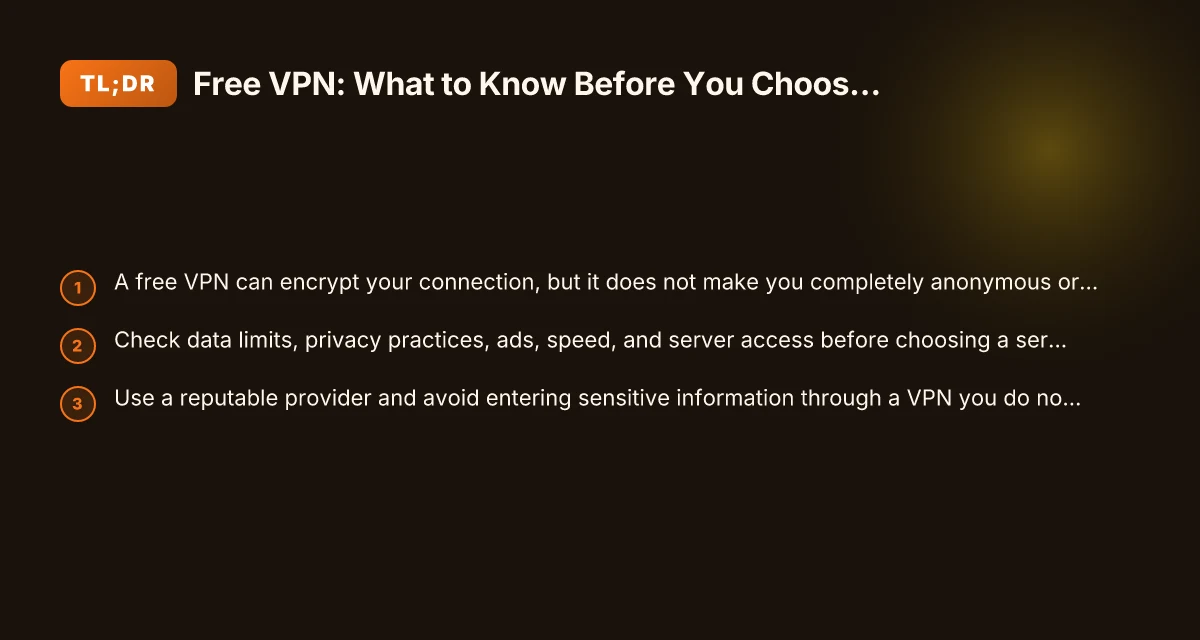
A free VPN can be useful for encrypting your internet connection on public Wi-Fi or changing the apparent location of your connection. The best choice depends on what you need: some services limit data or features, while others advertise unlimited use. Free does not automatically mean private, so check how a provider handles your activity before installing its app or browser extension.
Editor's pick: NordVPN — fast, secure VPN — Strong encryption, a no-logs policy and apps for every device. 30-day money-back guarantee. Get NordVPN →
Compare core free VPN features
| Option | Data policy | Server choice | Speed and stability | Device support |
|---|---|---|---|---|
| Free VPN A | Check whether activity is logged | Limited or broad | May vary | Check supported devices |
| Free VPN B | Check retention and sharing | Limited or broad | May vary | Check supported devices |
| Free VPN C | Check whether data is sold | Limited or broad | May vary | Check supported devices |
| Free VPN D | Check privacy policy | Limited or broad | May vary | Check supported devices |
| Paid VPN plan | Review stated policy | Usually broader | Often more consistent | Check supported devices |
| No VPN | No VPN provider collects traffic data | Not applicable | Depends on connection | Supported by most devices |
Compiled November 2026; check the provider's site for current details.
| VPN | Obfuscation | From / month | Plan | Free plan | Refund | Alipay | UnionPay | Crypto | Website opens in China | Trustpilot | |
|---|---|---|---|---|---|---|---|---|---|---|---|
 Proton VPN | Turn on manually Stealth, free plan too | $2.99/mo | 12 months: $35.88 | Yes | 30 days | ✗ | ✗ | ✗ | ✓ | ✗ Blocked | 2.1/5 (1,040 reviews) |
 ZoogVPN | Turn on manually Shadow | $2.49/mo | 27 months: $59.99 | Yes | 7 days | ✓ | ✓ | ✓ | ✓ | Official site blocked; our special link opens (4.4 s) | 4.2/5 (195 reviews) |
 NordVPN | Turn on manually Obfuscated Servers / NordWhisper | $3.49/mo | 27 months: $94.23 | No | 30 days | ? | ✗ | ✓ | ✓ | ✗ Blocked | 4.2/5 (51,628 reviews) |
 ExpressVPN | ✓ On by default all servers | $3.00/mo | 28 months: $84 | No | 30 days | ✗ | ✗ | ✓ | ✗ | ✗ Blocked | 4.4/5 (29,706 reviews) |
 Surfshark | ✓ On by default Camouflage, with OpenVPN | See site | See site | No | 30 days | ✗ | ✗ | ✗ | ✓ | ✗ Blocked | 4.3/5 (31,823 reviews) |
 Astrill VPN | Turn on manually StealthVPN / OpenWeb | $12.50/mo | 24 months: $300 | No | See site | ✗ | ✗ | ✗ | ✓ | ✗ Blocked | 1.3/5 (110 reviews) |
 Private Internet Access | Turn on manually Shadowsocks, OpenVPN only | $2.03/mo | 40 months: $81.2 | No | 30 days | ✗ | ✗ | ✗ | ✗ | ✗ Blocked | 4.2/5 (11,033 reviews) |
 CyberGhost | Turn on manually selected servers | $2.19/mo | 28 months: $61.32 | No | 45 days | ✗ | ✗ | ✗ | ✓ | ✗ Blocked | 4.0/5 (24,178 reviews) |
 PureVPN | Turn on manually switch to OpenVPN | $1.69/mo | 60 months: $101.55 | No | 31 days | ? | ? | ✗ | ✓ | ✗ Blocked | 4.4/5 (17,994 reviews) |
 AdGuard VPN | ✓ On by default TrustTunnel | $2.99/mo | 24 months: $71.76 | Yes | 30 days | ✓ | ✗ | ✓ | ✓ | Official site blocked; our special link opens (3.7 s) | 4.3/5 (290 reviews) |
 Mullvad | Turn on manually QUIC / Shadowsocks / LWO | $5.61/mo | €5/mo | No | 14 days | ✗ | ✗ | ✗ | ✓ | ✗ Blocked | 3.2/5 (192 reviews) |
 Windscribe | Turn on manually Stealth / WStunnel | $5.75/mo | 12 months: $69 | Yes | See site | ✗ | ✗ | ✗ | ✓ | ✗ Blocked | 4.7/5 (13,355 reviews) |
 StrongVPN | Turn on manually Scramble, OpenVPN TCP | See site | See site | No | 30 days | ✓ | ✗ | ✗ | ✗ | ✗ Blocked | 4.4/5 (2,695 reviews) |
 LightXtreme 闪连 | Not listed | $7.08/mo | 12 months: $84.99 | Yes | 30 days | ✓ | ✓ | ✓ | ✓ | ✓ Yes (3.5 s) | No page |
Prices checked 2026-11-10 on each vendor's pricing page (cheapest long plan, USD). Check the vendor's checkout for the final price.
Obfuscation checked 2026-11-14 on each vendor's site and help center: "on by default" = nothing to set; "turn on manually" = switch protocol or mode in settings; "not listed" = the vendor describes no obfuscation.
Payment methods checked 2026-11-10 on each vendor's payment pages: all 14 take cards and PayPal; ✗ = not listed, ? = the vendor's own pages disagree.
China access: whether the official website opens from mainland China networks (tests the website only, not the VPN connection). Last checked 2026-11-18 01:02 Beijing time.
Trustpilot score and review count checked 2026-11-10.
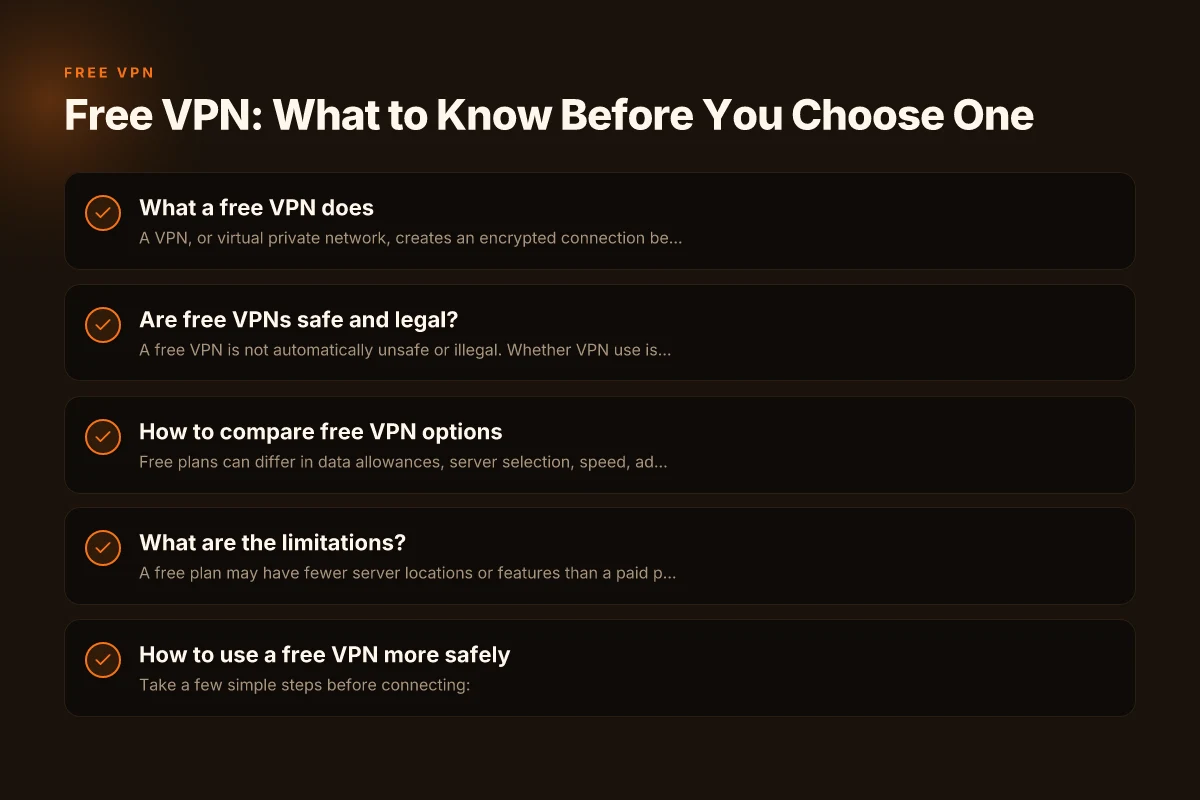
What a free VPN does
A VPN, or virtual private network, creates an encrypted connection between your device and a VPN server. Websites you visit generally see the server’s IP address rather than your device’s public IP address. This can help reduce exposure of your browsing traffic on networks you do not control.
A VPN is not a complete privacy or security solution. It does not necessarily stop websites from tracking you through cookies, account logins, or browser fingerprinting. It also cannot protect you from every scam, malicious download, or phishing attempt.
Keep in mind that a VPN shifts some trust from your internet provider or local network to the VPN provider. The provider may be able to see connection information, so its privacy policy and logging practices matter.
Are free VPNs safe and legal?
A free VPN is not automatically unsafe or illegal. Whether VPN use is allowed depends on local laws and the rules of the network or service you are using. A VPN also does not make illegal activity lawful. Sslvpn poscoenc.com: How to Find the Official POSCO E&C VPN Access
Safety varies by provider. Before you sign up, look for clear information about:
- What data the service collects and how long it keeps it
- Whether it logs browsing activity
- How it pays for the service
- Which permissions its app requests
- Whether its privacy policy explains how data is shared
Be cautious if an app makes sweeping promises, gives little information about its operator, or requests access that seems unrelated to VPN functionality. An app-store listing alone is not proof that a service meets your privacy needs.
Assess safety and suitability
| Question | Better sign | Warning sign | Why it matters |
|---|---|---|---|
| Is the provider identifiable? | Clear company information | Unknown operator | Accountability |
| Is the privacy policy clear? | Explains collection and use | Vague or missing policy | Reveals data practices |
| Does it collect activity logs? | Minimal collection, clearly stated | Browsing activity retained | Activity may be exposed |
| Does it rely on ads? | Ads and tracking are disclosed | Extensive tracking | Free service may monetize data |
| Are permissions reasonable? | Only necessary access requested | Unrelated permissions | Limits device-data exposure |
| Is the app maintained? | Recent updates and support | Abandoned app | Updates can address security issues |
| Is VPN use legal where you are? | Local rules permit it | Restrictions apply | Laws vary by location |
Compiled November 2026; check the provider's site for current details. Free VPN Extension Edge: How to Choose One for Microsoft Edge
How to compare free VPN options
Free plans can differ in data allowances, server selection, speed, advertising, and the devices or apps they support. Read the current plan terms before relying on a service for regular use.
| Feature | What to check | Why it matters |
|---|---|---|
| Data allowance | Is there a cap, or is use described as unlimited? | A cap may interrupt streaming, downloads, or everyday browsing. |
| Privacy | Does the provider explain logging and data collection? | The VPN provider handles your connection, so its practices matter. |
| Ads and funding | Does the service show ads or explain its business model? | Free services still need a way to operate. |
| Locations | Which server locations are available on the free plan? | Your choice may affect access and connection performance. |
| App support | Does it cover your device or browser? | A browser extension may protect browser traffic only, not every app. |
Search results include a range of claims: Proton VPN promotes a free plan with no data limit, no ads, and no logs of user activity; VeePN advertises unlimited traffic and bandwidth for its Chrome extension. And Urban VPN and Bright VPN promote free access and location options. These are providers’ own descriptions, not independent guarantees. Check the current terms and privacy policies yourself, because features can change.
What are the limitations?
A free plan may have fewer server locations or features than a paid plan. Some services may limit data or speed, while others may use advertising or have different terms for free users. A VPN may also struggle to access a particular streaming service or website, since platforms can block VPN connections.
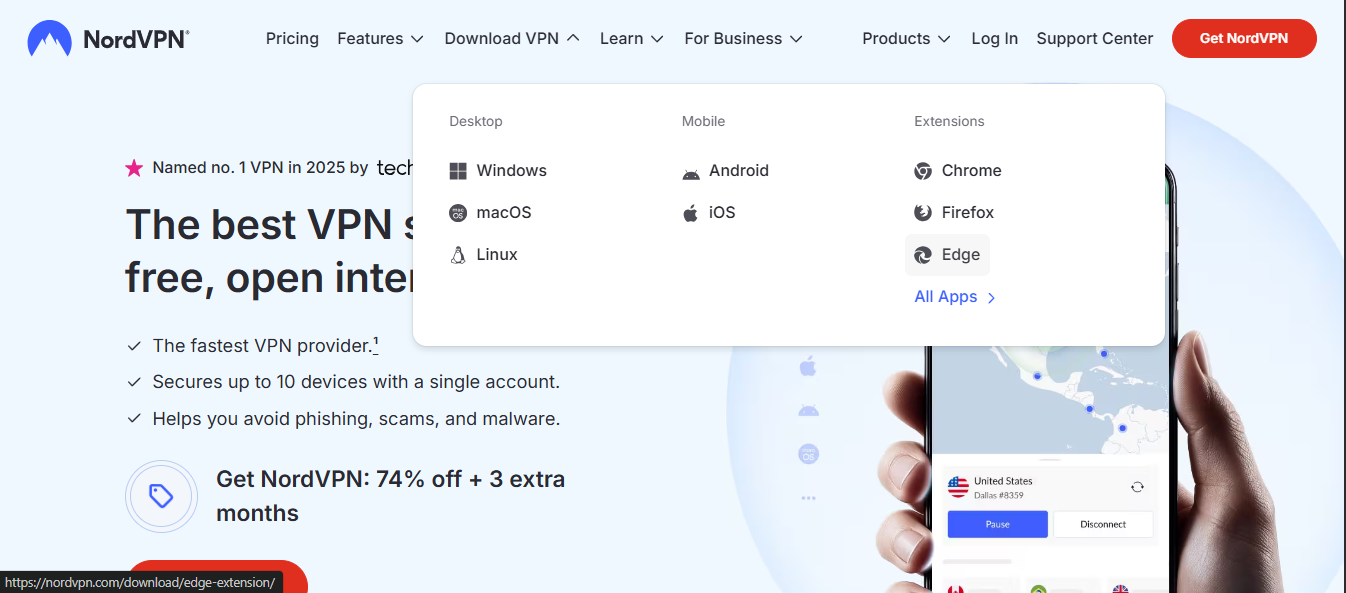
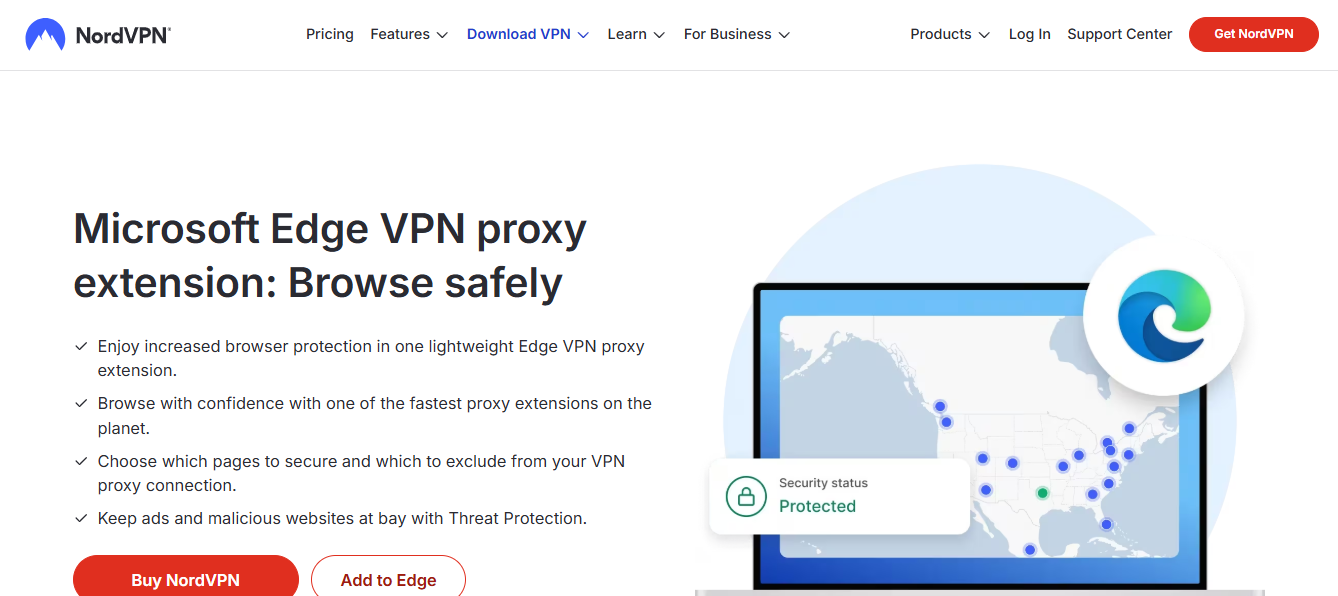
A browser extension deserves special attention. It may route traffic from that browser without protecting other applications on your device. Confirm what the extension covers, what permissions it requests, and whether it comes from the provider you intended to install. Microsoft Edge Secure Network VPN: What It Does and How to Use It
A VPN also cannot guarantee that the FBI, another authority, or anyone else can never identify you. A VPN changes which network can directly see parts of your connection, but accounts, device data, provider records, and other evidence may still be relevant. Do not treat a VPN as a way to become untraceable.
Decide whether a free VPN fits your needs
| Need | Free VPN may fit | Check before choosing | Consider another option when |
|---|---|---|---|
| Basic public Wi-Fi privacy | Yes, if trustworthy | Encryption and privacy policy | Provider practices are unclear |
| Occasional browsing | Yes, if limits are acceptable | Data caps and speed | Usage regularly exceeds limits |
| Streaming | Sometimes | Service access and server limits | Reliable access is essential |
| Large downloads | Often poorly | Data limits and throttling | You need sustained high usage |
| Many server locations | Often limited | Available countries and locations | A specific location is required |
| Multiple devices | Sometimes | Device and connection limits | You need broader coverage |
| Sensitive activity | Use caution | Logging, security, and jurisdiction | You need stronger guarantees |
| Avoiding legal restrictions | No | Local law and service terms | VPN use is restricted |
Compiled November 2026; check the provider's site for current details.
How to use a free VPN more safely
Take a few simple steps before connecting: Clash for iOS: How to Choose and Get Started
- Download the app or extension from a source you trust, and verify the developer name.
- Read the privacy policy and free-plan details, especially the sections on logs and data sharing.
- Use the VPN’s security settings and keep the app updated.
- Avoid assuming that a VPN protects traffic outside its coverage, such as other apps when using a browser-only extension.
- Use strong, unique passwords and multi-factor authentication where available.
- Disconnect if the service behaves unexpectedly or asks for information that is not needed to provide the service.
For sensitive work, banking, or private communications, consider whether you trust the provider and whether the free plan meets your needs. A VPN can add a layer of protection, but it should not replace secure websites, device updates, or careful browsing.
Recommendation
A free VPN can be a practical starting point if you choose a provider with a clear privacy policy and understand its limits. Compare the plan’s data allowance, server access, ads, and device coverage rather than relying on “free,” “anonymous,” or “unlimited” claims alone. If a provider cannot explain how it handles your data, choose another service.