iPhone VPN: What It Does and How to Set One Up
Learn whether your iPhone has a built-in VPN, how to connect one, and when using a VPN can help protect your privacy.
An iPhone can use a VPN, but it does not come with a general-purpose VPN service already turned on. To use one, choose a VPN provider or get connection details from your workplace or school, then connect through its app or add a configuration in iPhone settings. A VPN can help protect your connection on public Wi-Fi and route your internet traffic through a VPN server, but it does not replace careful browsing or other security measures.
Editor's pick: NordVPN — fast, secure VPN — Strong encryption, a no-logs policy and apps for every device. 30-day money-back guarantee. Get NordVPN →
iPhone VPN setup options
| Option | Built into iPhone? | What you need | Setup effort | Best for |
|---|---|---|---|---|
| Manual VPN configuration | No | VPN server details | Moderate | Users with provider settings |
| VPN provider app | No | App Store app and account | Low | Most users |
| Work or school profile | No | Profile from organization | Low | Managed devices |
| iCloud Private Relay | Apple service, not a VPN | iCloud+ subscription | Low | Safari privacy |
| Wi‑Fi network settings | No VPN included | Network credentials | Low | Joining Wi‑Fi |
| On-demand VPN | No | Compatible VPN configuration | Low after setup | Automatic connections |
Compiled November 2026; check the provider's site for current details.
| VPN | Obfuscation | From / month | Plan | Free plan | Refund | Alipay | UnionPay | Crypto | Website opens in China | Trustpilot | |
|---|---|---|---|---|---|---|---|---|---|---|---|
 Proton VPN | Turn on manually Stealth, free plan too | $2.99/mo | 12 months: $35.88 | Yes | 30 days | ✗ | ✗ | ✗ | ✓ | ✗ Blocked | 2.1/5 (1,040 reviews) |
 ZoogVPN | Turn on manually Shadow | $2.49/mo | 27 months: $59.99 | Yes | 7 days | ✓ | ✓ | ✓ | ✓ | Official site blocked; our special link opens (4.4 s) | 4.2/5 (195 reviews) |
 NordVPN | Turn on manually Obfuscated Servers / NordWhisper | $3.49/mo | 27 months: $94.23 | No | 30 days | ? | ✗ | ✓ | ✓ | ✗ Blocked | 4.2/5 (51,628 reviews) |
 ExpressVPN | ✓ On by default all servers | $3.00/mo | 28 months: $84 | No | 30 days | ✗ | ✗ | ✓ | ✗ | ✗ Blocked | 4.4/5 (29,706 reviews) |
 Surfshark | ✓ On by default Camouflage, with OpenVPN | See site | See site | No | 30 days | ✗ | ✗ | ✗ | ✓ | ✗ Blocked | 4.3/5 (31,823 reviews) |
 Astrill VPN | Turn on manually StealthVPN / OpenWeb | $12.50/mo | 24 months: $300 | No | See site | ✗ | ✗ | ✗ | ✓ | ✗ Blocked | 1.3/5 (110 reviews) |
 Private Internet Access | Turn on manually Shadowsocks, OpenVPN only | $2.03/mo | 40 months: $81.2 | No | 30 days | ✗ | ✗ | ✗ | ✗ | ✗ Blocked | 4.2/5 (11,033 reviews) |
 CyberGhost | Turn on manually selected servers | $2.19/mo | 28 months: $61.32 | No | 45 days | ✗ | ✗ | ✗ | ✓ | ✗ Blocked | 4.0/5 (24,178 reviews) |
 PureVPN | Turn on manually switch to OpenVPN | $1.69/mo | 60 months: $101.55 | No | 31 days | ? | ? | ✗ | ✓ | ✗ Blocked | 4.4/5 (17,994 reviews) |
 AdGuard VPN | ✓ On by default TrustTunnel | $2.99/mo | 24 months: $71.76 | Yes | 30 days | ✓ | ✗ | ✓ | ✓ | Official site blocked; our special link opens (3.7 s) | 4.3/5 (290 reviews) |
 Mullvad | Turn on manually QUIC / Shadowsocks / LWO | $5.61/mo | €5/mo | No | 14 days | ✗ | ✗ | ✗ | ✓ | ✗ Blocked | 3.2/5 (192 reviews) |
 Windscribe | Turn on manually Stealth / WStunnel | $5.75/mo | 12 months: $69 | Yes | See site | ✗ | ✗ | ✗ | ✓ | ✗ Blocked | 4.7/5 (13,355 reviews) |
 StrongVPN | Turn on manually Scramble, OpenVPN TCP | See site | See site | No | 30 days | ✓ | ✗ | ✗ | ✗ | ✗ Blocked | 4.4/5 (2,695 reviews) |
 LightXtreme 闪连 | Not listed | $7.08/mo | 12 months: $84.99 | Yes | 30 days | ✓ | ✓ | ✓ | ✓ | ✓ Yes (3.5 s) | No page |
Prices checked 2026-11-10 on each vendor's pricing page (cheapest long plan, USD). Check the vendor's checkout for the final price.
Obfuscation checked 2026-11-14 on each vendor's site and help center: "on by default" = nothing to set; "turn on manually" = switch protocol or mode in settings; "not listed" = the vendor describes no obfuscation.
Payment methods checked 2026-11-10 on each vendor's payment pages: all 14 take cards and PayPal; ✗ = not listed, ? = the vendor's own pages disagree.
China access: whether the official website opens from mainland China networks (tests the website only, not the VPN connection). Last checked 2026-11-18 01:02 Beijing time.
Trustpilot score and review count checked 2026-11-10.
Does iPhone have a built-in VPN?
The iPhone includes settings for connecting to VPN configurations, but those settings are not themselves a VPN subscription or service. You need a provider, an organization’s VPN, or the necessary server and account details to make a connection.
Apple devices also support managed VPN features for organizations. For example, VPN On Demand can automatically establish a connection when needed when the device has been configured to use that feature. This is different from a consumer VPN that you choose and manage for personal browsing.
A VPN may be useful when you want to:
- Encrypt traffic between your iPhone and the VPN server.
- Use a trusted connection while on public Wi-Fi.
- Connect to a private work or school network.
- Route your connection through a VPN server in another location.
A VPN does not make every activity private. The VPN provider may be able to see some information about your traffic, and websites can still identify you through account sign-ins, cookies, or other tracking methods. Forti VPN: What FortiClient VPN Does and How to Use It
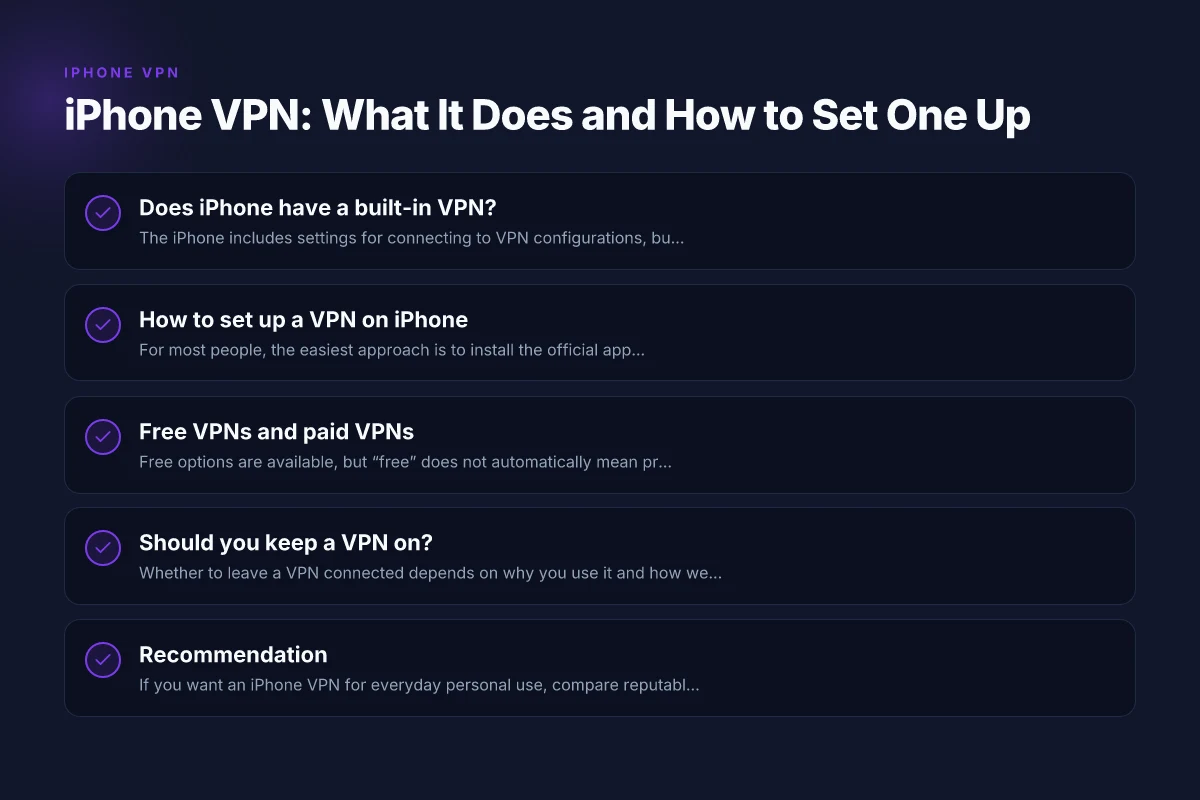
How to set up a VPN on iPhone
For most people, the easiest approach is to install the official app from a VPN provider and follow its setup instructions.
Using a VPN app
- Choose a provider and install its official iPhone app.
- Sign in or create an account if required.
- Follow the app’s prompts to add a VPN configuration to your iPhone.
- Approve the iOS permission request.
- Select a server or location in the app and tap its connect button.
The first time you connect, iOS may ask permission to add VPN settings. Review the request and approve it only if you trust the provider. Once connected, the VPN status is generally visible in the app and in iPhone settings.
Adding a configuration manually
If your workplace, school, or VPN provider gives you the connection details, you may be able to add them in Settings > General > VPN & Device Management > VPN. The exact options depend on the VPN type and the information supplied. If you are connecting to an organization’s network, ask its IT team for the correct instructions rather than guessing at settings.
Free and paid VPNs F5 VPN Download: How to Get the Right Client and Connect
| Consideration | Free VPN | Paid VPN |
|---|---|---|
| Cost | No subscription fee | Subscription fee |
| Data limits | May apply | Often fewer limits |
| Server choice | May be limited | Usually broader |
| Speed | May be restricted | Often more consistent |
| Ads | May be present | Usually absent |
| Privacy practices | Check carefully | Check carefully |
| Support | May be limited | Often included |
| Best fit | Occasional basic use | Regular use and more options |
Compiled November 2026; check the provider's site for current details.
Free VPNs and paid VPNs
Free options are available, but “free” does not automatically mean private, reliable, or suitable for every purpose. Check how a provider handles data, what features it offers, and whether its limitations fit your needs. Some services, including Proton VPN, offer a free iPhone or iPad app with no data limits. Review the provider’s current terms and privacy information before installing it.
| Option | Often suits | What to check |
|---|---|---|
| Free VPN | Basic use or trying a service | Privacy policy, available features, server choices, and any restrictions |
| Paid VPN | More features or regular use | Price and renewal terms, privacy practices, performance, and support |
| Work or school VPN | Accessing an organization’s private network | Setup instructions and rules from the organization |
Do not choose a service based only on a claim that it is “secure.” Look for clear information about data collection, security practices, ownership, and how to contact the provider. Download apps from a trusted source and avoid installing profiles or configuration files from unknown websites.
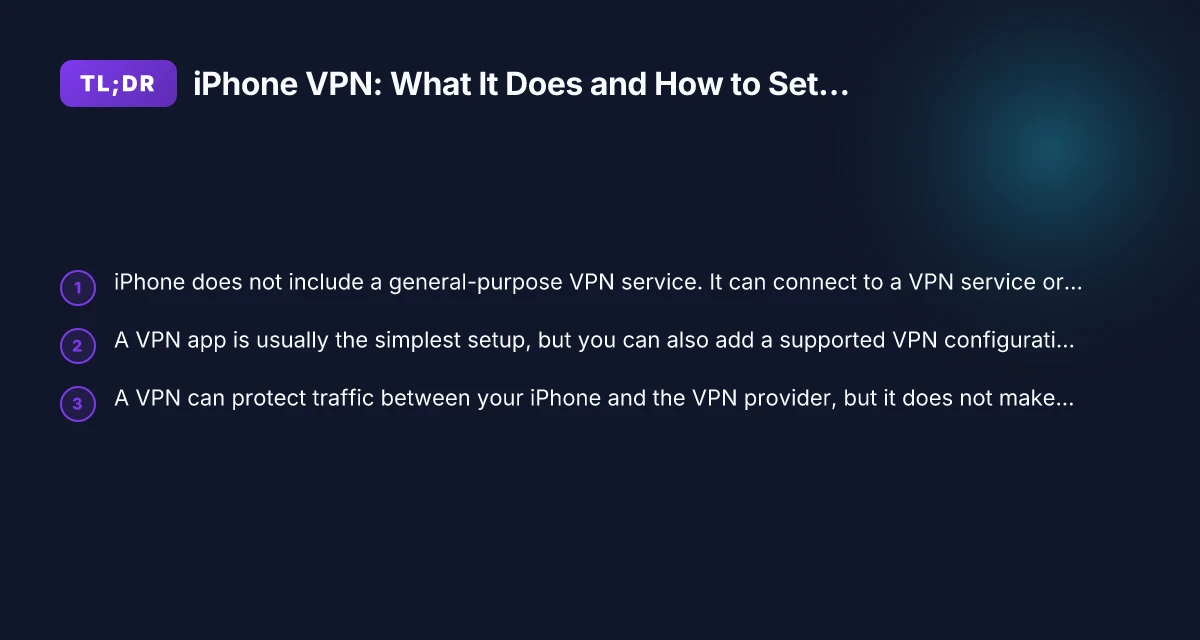
Should you keep a VPN on?
Whether to leave a VPN connected depends on why you use it and how well it works for you. Keeping it on can provide a consistent connection through the VPN, but it may affect connection speed, battery use, or access to certain websites and services. If an app or network feature stops working, try disconnecting briefly to see whether the VPN is the cause. Free VPN to Change Location: What to Know Before You Connect
A VPN is especially useful when you need to connect to a work network or want an added layer of protection on a network you do not trust. It is not a substitute for secure websites, strong passwords, multifactor authentication, or keeping iOS updated.
Can authorities see through a VPN?
A VPN does not guarantee that your activity is hidden from authorities. A VPN provider may have information about your account or connection, and websites may retain information you provide or associate with your account. What can be accessed depends on the provider’s records, the services you use, and applicable legal processes. Treat a VPN as a privacy and connection tool, not a promise of anonymity.
When to keep an iPhone VPN on
| Situation | VPN useful? | Why | Practical choice |
|---|---|---|---|
| Using public Wi‑Fi | Yes | Adds an encrypted connection to the VPN | Keep it on |
| Using trusted home Wi‑Fi | Optional | Extra privacy may be useful | Follow your needs |
| Browsing on cellular data | Optional | Can help protect traffic from the local network | Keep it on if desired |
| Accessing a work network | Often | May be required for internal resources | Follow work instructions |
| Streaming or banking | Sometimes | May affect access or service behavior | Test the app |
| Troubleshooting a connection | No, temporarily | VPN routing can interfere | Turn it off briefly |
| Trying to access local devices | Sometimes not | VPN may block local-network access | Check VPN settings |
| Battery or speed concerns | Optional | VPN can add overhead | Compare with it off |
Compiled November 2026; check the provider's site for current details. NordVPN Download Windows 11: How to Install and Get Started
Recommendation
If you want an iPhone VPN for everyday personal use, compare reputable providers’ privacy practices and features, then install the official app and review its permissions. Use your employer’s or school’s instructions for a work VPN. Choose a free option only after checking its terms, and remember that a VPN adds a layer of protection, it does not make every online activity anonymous or risk-free.