VPN for Edge: How to Choose and Use One
Find out whether Edge has a built-in VPN, how VPN extensions work, and what to check before choosing one.
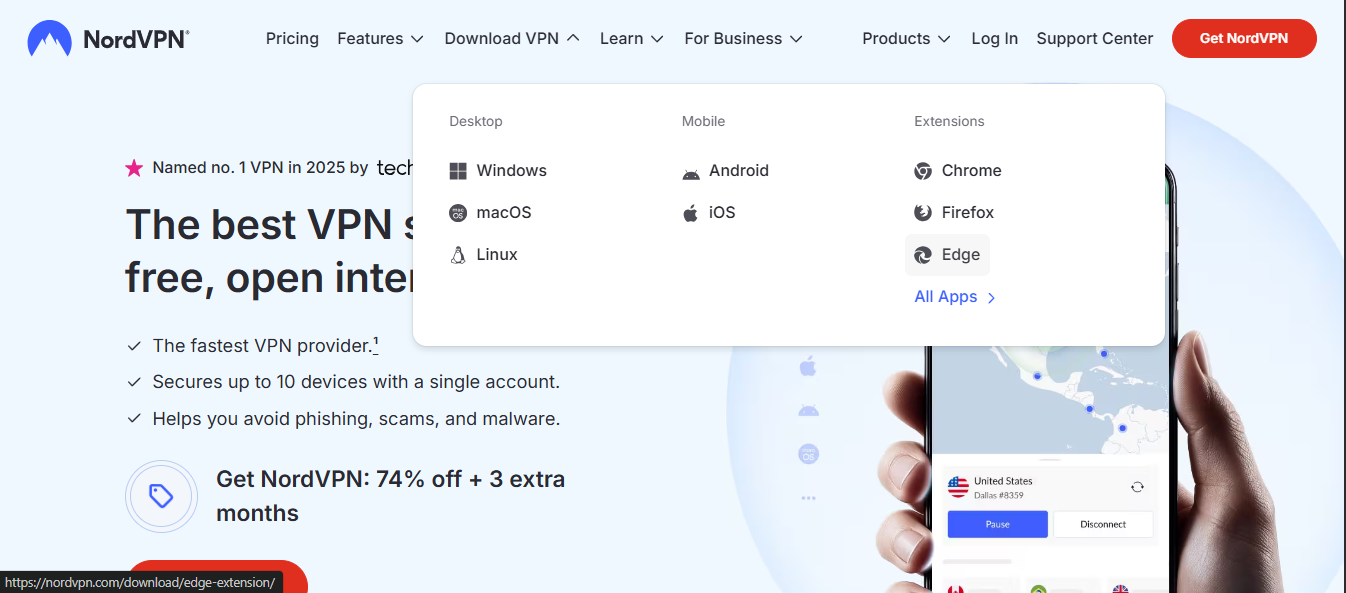
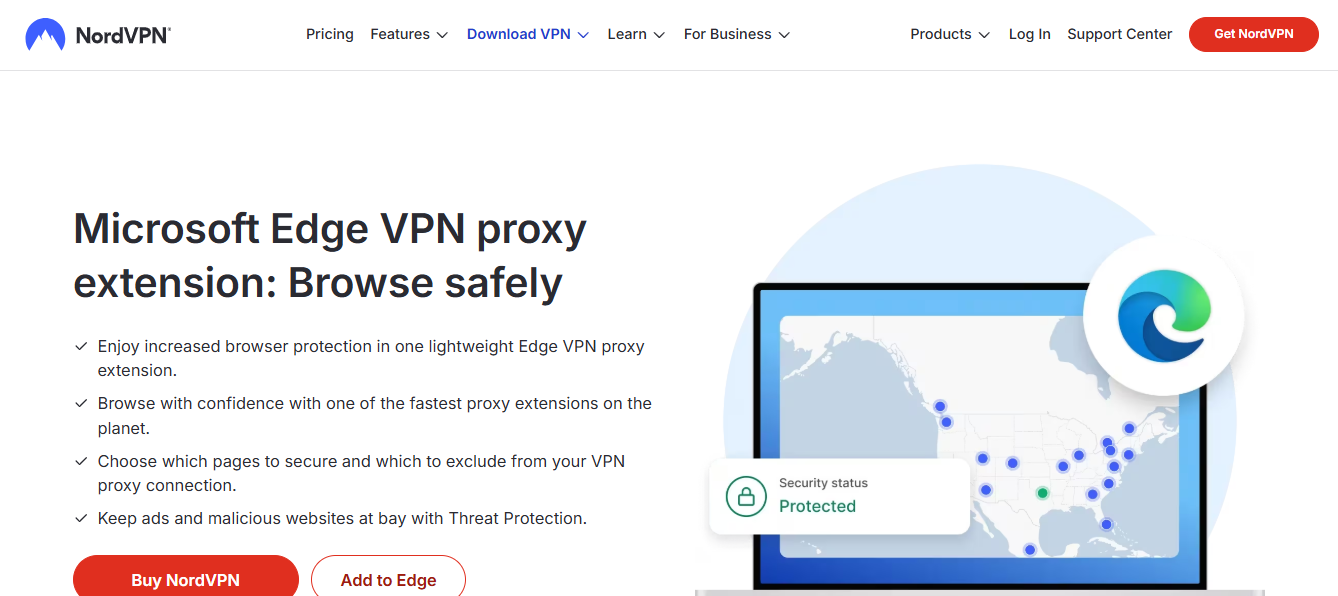
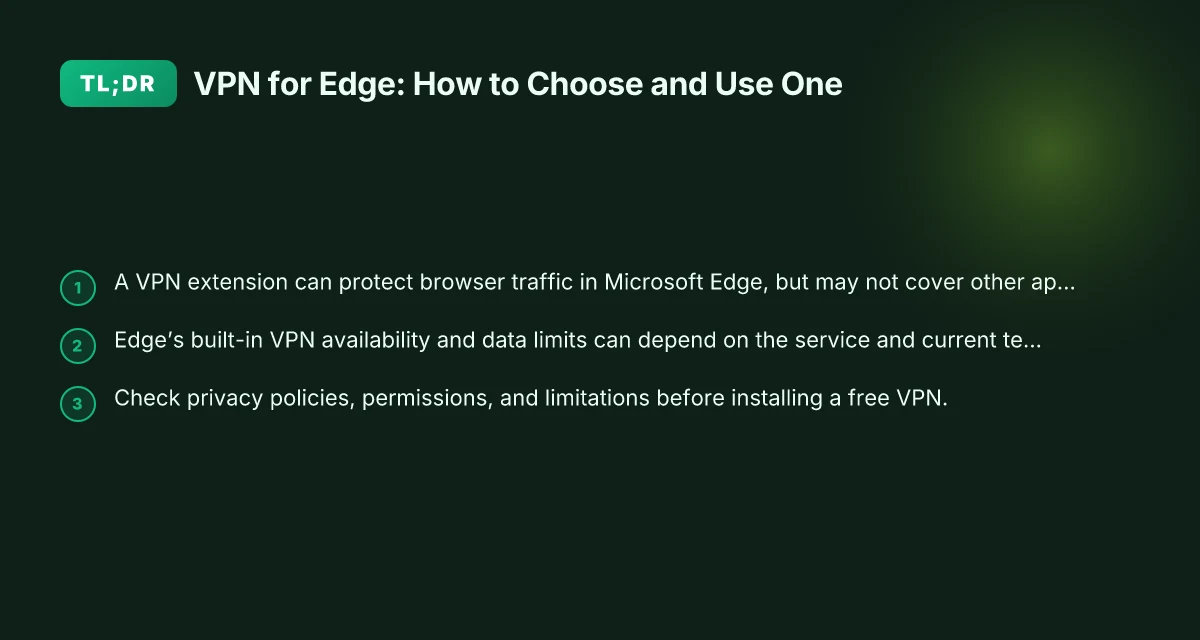
For a VPN for Edge, you can install a VPN extension from the Microsoft Edge Add-ons store or use a VPN app that protects traffic across your device. Some Edge users may also have access to Microsoft Edge’s built-in VPN feature, but availability and data limits can vary. Before choosing, check what the service covers, how it handles your data, and whether its free plan meets your needs.
Editor's pick: NordVPN — fast, secure VPN — Strong encryption, a no-logs policy and apps for every device. 30-day money-back guarantee. Get NordVPN →
Compare VPN extensions and VPN apps for Edge
| Option | Where it protects traffic | Works beyond Edge | Setup | Best suited for |
|---|---|---|---|---|
| Edge VPN extension | Browser traffic, depending on provider | No | Add it from Edge Add-ons or another trusted store | Browser-only protection |
| VPN app | Device traffic, depending on settings | Yes | Install the provider’s app and connect | Protection across apps |
| Edge InPrivate mode | Does not encrypt traffic | No | Open an InPrivate window | Local browsing privacy |
| Secure website connection (HTTPS) | Connection to that website | No | Usually automatic | Protecting data in transit to a site |
| Proxy extension | Browser traffic, depending on provider | No | Install and configure the extension | Changing apparent browser location |
| Microsoft Edge Secure Network | Supported browsing traffic, where available | No | Turn it on in Edge settings | Basic protection in supported regions |
| Provider account | Not a traffic protection method by itself | No | Create an account if required | Managing a VPN subscription |
Compiled November 2026; check the provider's site for current details.
| VPN | Obfuscation | From / month | Plan | Free plan | Refund | Alipay | UnionPay | Crypto | Website opens in China | Trustpilot | |
|---|---|---|---|---|---|---|---|---|---|---|---|
 ZoogVPN | Turn on manually Shadow | $2.49/mo | 27 months: $59.99 | Yes | 7 days | ✓ | ✓ | ✓ | ✓ | Official site blocked; our special link opens (4.4 s) | 4.2/5 (195 reviews) |
 NordVPN | Turn on manually Obfuscated Servers / NordWhisper | $3.49/mo | 27 months: $94.23 | No | 30 days | ? | ✗ | ✓ | ✓ | ✗ Blocked | 4.2/5 (51,628 reviews) |
 ExpressVPN | ✓ On by default all servers | $3.00/mo | 28 months: $84 | No | 30 days | ✗ | ✗ | ✓ | ✗ | ✗ Blocked | 4.4/5 (29,706 reviews) |
 Surfshark | ✓ On by default Camouflage, with OpenVPN | See site | See site | No | 30 days | ✗ | ✗ | ✗ | ✓ | ✗ Blocked | 4.3/5 (31,823 reviews) |
 Proton VPN | Turn on manually Stealth, free plan too | $2.99/mo | 12 months: $35.88 | Yes | 30 days | ✗ | ✗ | ✗ | ✓ | ✗ Blocked | 2.1/5 (1,040 reviews) |
 Astrill VPN | Turn on manually StealthVPN / OpenWeb | $12.50/mo | 24 months: $300 | No | See site | ✗ | ✗ | ✗ | ✓ | ✗ Blocked | 1.3/5 (110 reviews) |
 Private Internet Access | Turn on manually Shadowsocks, OpenVPN only | $2.03/mo | 40 months: $81.2 | No | 30 days | ✗ | ✗ | ✗ | ✗ | ✗ Blocked | 4.2/5 (11,033 reviews) |
 CyberGhost | Turn on manually selected servers | $2.19/mo | 28 months: $61.32 | No | 45 days | ✗ | ✗ | ✗ | ✓ | ✗ Blocked | 4.0/5 (24,178 reviews) |
 PureVPN | Turn on manually switch to OpenVPN | $1.69/mo | 60 months: $101.55 | No | 31 days | ? | ? | ✗ | ✓ | ✗ Blocked | 4.4/5 (17,994 reviews) |
 AdGuard VPN | ✓ On by default TrustTunnel | $2.99/mo | 24 months: $71.76 | Yes | 30 days | ✓ | ✗ | ✓ | ✓ | Official site blocked; our special link opens (3.7 s) | 4.3/5 (290 reviews) |
 Mullvad | Turn on manually QUIC / Shadowsocks / LWO | $5.61/mo | €5/mo | No | 14 days | ✗ | ✗ | ✗ | ✓ | ✗ Blocked | 3.2/5 (192 reviews) |
 Windscribe | Turn on manually Stealth / WStunnel | $5.75/mo | 12 months: $69 | Yes | See site | ✗ | ✗ | ✗ | ✓ | ✗ Blocked | 4.7/5 (13,355 reviews) |
 StrongVPN | Turn on manually Scramble, OpenVPN TCP | See site | See site | No | 30 days | ✓ | ✗ | ✗ | ✗ | ✗ Blocked | 4.4/5 (2,695 reviews) |
 LightXtreme 闪连 | Not listed | $7.08/mo | 12 months: $84.99 | Yes | 30 days | ✓ | ✓ | ✓ | ✓ | ✓ Yes (3.5 s) | No page |
Prices checked 2026-11-10 on each vendor's pricing page (cheapest long plan, USD). Check the vendor's checkout for the final price.
Obfuscation checked 2026-11-14 on each vendor's site and help center: "on by default" = nothing to set; "turn on manually" = switch protocol or mode in settings; "not listed" = the vendor describes no obfuscation.
Payment methods checked 2026-11-10 on each vendor's payment pages: all 14 take cards and PayPal; ✗ = not listed, ? = the vendor's own pages disagree.
China access: whether the official website opens from mainland China networks (tests the website only, not the VPN connection). Last checked 2026-11-18 01:02 Beijing time.
Trustpilot score and review count checked 2026-11-10.
What does a VPN for Edge do?
A VPN, or virtual private network, routes your internet connection through a VPN server. This can hide your public IP address from websites and help protect data while you browse on networks you do not trust. A VPN may also let you connect through a server in another location.
A browser extension is designed to work within the browser. That can make it convenient if your main goal is to protect browsing in Edge, but it may not protect traffic from other browsers, games, or apps. A standalone VPN app is generally the option to consider when you want broader device coverage.
A VPN does not make you completely anonymous or guarantee that every website is safe. You should still use strong passwords, keep Edge updated, and watch for suspicious links and downloads.
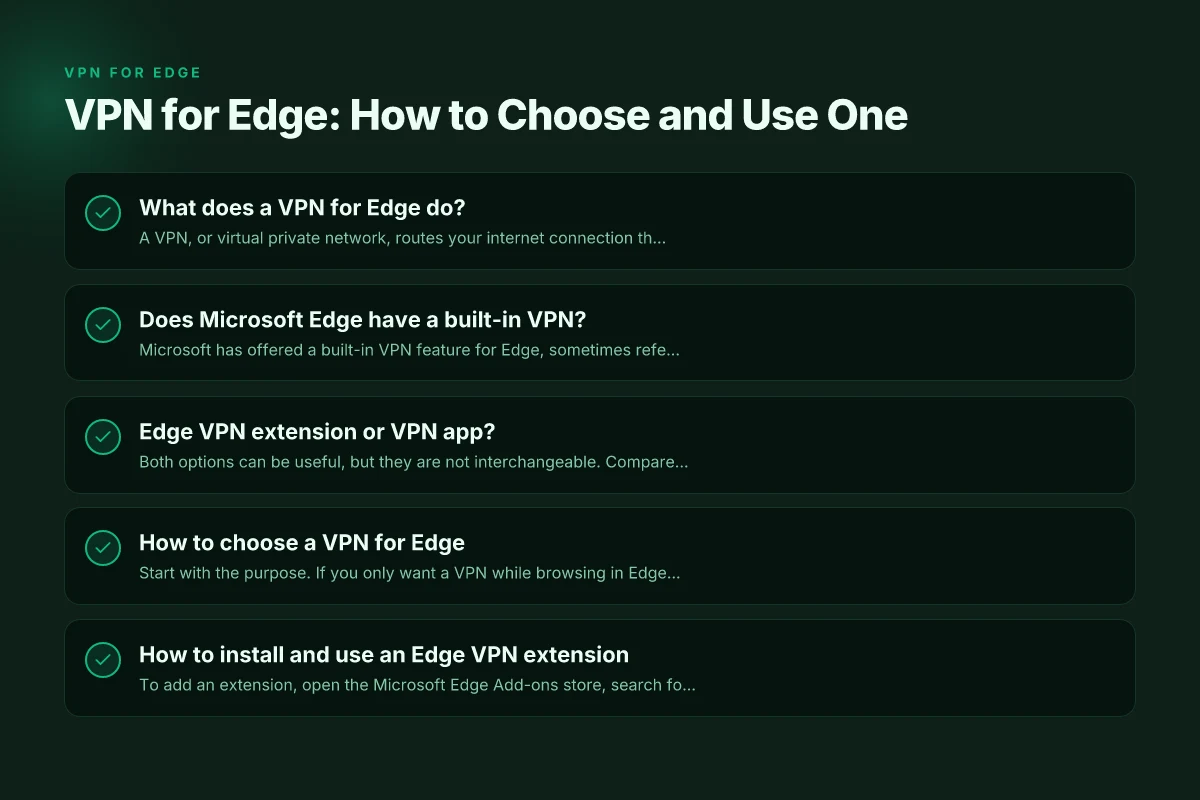
Does Microsoft Edge have a built-in VPN?
Microsoft has offered a built-in VPN feature for Edge, sometimes referred to as Edge Secure Network. It is not necessarily available to every user in every region or version. Search results have also referred to a change from 1GB to 5GB of free data, but check Edge’s current settings and Microsoft’s own information for the latest availability and terms. Chrome Urban VPN: How to Install, Use, and Assess the Extension
To see whether the feature is available, open Edge and look in Settings for privacy or security options related to Secure Network. If you do not see it, it may not be available for your account, location, or version of the browser.
A built-in option can be easy to try because it is integrated with Edge. However, confirm its data allowance and coverage before relying on it. Do not assume it protects all device traffic: a browser-integrated feature may be limited to Edge activity.
Edge VPN extension or VPN app?
Both options can be useful, but they are not interchangeable. Compare the scope and terms before installing either.
| Option | Typical coverage | What to check |
|---|---|---|
| Edge VPN extension | Browser traffic in Edge | Privacy policy, permissions, server locations, and free-plan limits |
| Device VPN app | Potentially traffic from multiple apps | Supported devices, connection settings, and plan terms |
| Edge built-in VPN | Edge feature, if available | Availability, data allowance, and what traffic is covered |
Extensions are usually quick to install and control from the browser toolbar. A VPN app may be a better fit if you want protection beyond Edge. Read the provider’s description carefully: features, coverage, and limits differ between services, even when they are all called VPNs. Free VPN That Lets You Choose Location: What to Know
What to check when choosing a VPN for Edge
| Check | Why it matters | What to look for | Warning sign |
|---|---|---|---|
| Edge compatibility | Ensures the extension or app works with Edge | Official Edge support | Unclear browser support |
| Protection scope | Shows which traffic is covered | Browser-only or whole-device coverage stated clearly | Vague coverage claims |
| Privacy policy | Explains data collection and retention | Clear logging and data-handling terms | No meaningful privacy details |
| Security features | Helps protect the connection | Encryption and leak protection described | Unsupported security promises |
| Provider reputation | Helps assess reliability | Established provider and independent reviews | Unknown operator or copied branding |
| Pricing and limits | Reveals the cost and restrictions | Clear renewal terms and usage limits | Hidden fees or unclear trials |
| Permissions | Shows what an extension can access | Permissions that match its function | Broad access with no explanation |
| Support and updates | Helps resolve issues and maintain compatibility | Current updates and reachable support | Abandoned extension |
Compiled November 2026; check the provider's site for current details.
How to choose a VPN for Edge
Start with the purpose. If you only want a VPN while browsing in Edge, an extension may be sufficient. If you need coverage for other apps, look for a device-wide VPN app instead.
Before installing, check these points: NordVPN Windows 10 VPN: How to Download, Install, and Use It
- Privacy policy: Look for clear information about what data is collected, how it is used, and whether connection activity is logged.
- Permissions: An extension may need access to browser data to work. Review the permissions prompt and install only from a source you trust.
- Limits: Free services may have limits on data, features, locations, or availability. Confirm the current terms rather than relying on an old listing or review.
- Security details: Look for an understandable explanation of how the service protects your connection. Avoid treating claims such as “secure” or “private” as proof on their own.
- Reputation and support: Check the provider’s official documentation and the extension’s listing. Be cautious if the service gives little information about its operator or policies.
A free option can be useful for occasional browsing, but “free” does not automatically mean private or unlimited. Some search results advertise free Edge extensions, including VeePN, VuzeVPN, and FreeVPNPlanet. Their features and terms may change, so check each provider’s current listing and privacy policy before choosing.
How to install and use an Edge VPN extension
To add an extension, open the Microsoft Edge Add-ons store, search for the provider, and review the listing. Check the publisher name, permissions, and privacy information before selecting Get. Once installed, open the extension from Edge’s toolbar and follow its setup instructions.
For a VPN app, download it from the provider’s official site or a trusted app store, install it, and connect using the app. Avoid downloading installers from unfamiliar websites.
After connecting, check the extension or app to confirm that the VPN is active. If a site does not load, try changing the server or disconnecting briefly to test whether the VPN is causing the issue. Some websites may block VPN connections, and connection speed or site compatibility can vary. iPhone VPN: What It Does and How to Set One Up
Choose an installation route for Edge
| Route | Install from | Coverage | Typical steps | Before connecting |
|---|---|---|---|---|
| VPN extension | Microsoft Edge Add-ons or provider’s official site | Usually browser traffic | Add extension, sign in, choose a server | Review permissions and provider terms |
| VPN desktop app | Provider’s official site or trusted app store | Usually device traffic | Install app, sign in, connect | Check app settings and operating-system support |
| Edge Secure Network | Edge settings, where available | Supported browser traffic | Open Settings, find Privacy, search, and services, then enable | Confirm regional availability and terms |
| Other extension store | A store Edge supports | Depends on the extension | Verify the publisher, then add and configure | Confirm it is the provider’s genuine extension |
| Manual proxy configuration | Edge or operating-system network settings | Depends on configuration | Enter proxy details supplied by a trusted provider | A proxy is not necessarily a VPN |
| No VPN | No VPN service | No VPN coverage | Use HTTPS and review privacy settings | HTTPS does not hide all browsing metadata |
Compiled November 2026; check the provider's site for current details.
Recommendation
For a VPN for Edge, choose an extension if you mainly want browser-only coverage and are comfortable with its privacy policy and limits. Choose a device VPN app if you need protection beyond Edge. Treat Edge’s built-in feature as an option only when it is available and its current data allowance and coverage suit your needs.